![header-logo.png]](https://service.iamgis.com/hs-fs/hubfs/IamGIS_Theme_2023/Images/header-logo.png?height=40&name=header-logo.png)
TIP: Watch The beginning of the video below to see an example of linking a Work Order to an existing feature
Link Task to Feature - Select the feature, brining up the Feature Details window.
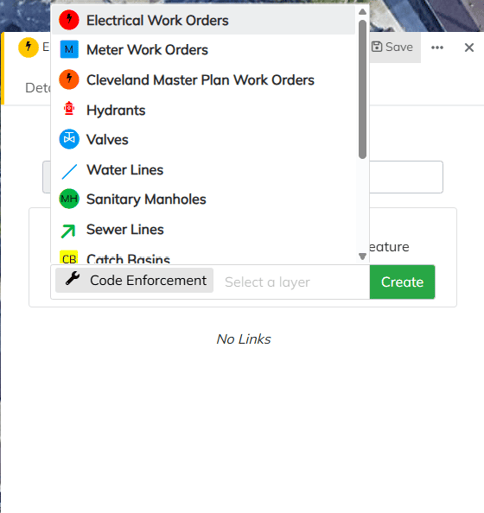
Select the links tab and select the plus sign.
Select the template where the task will be created.