![header-logo.png]](https://service.iamgis.com/hs-fs/hubfs/IamGIS_Theme_2023/Images/header-logo.png?height=40&name=header-logo.png)
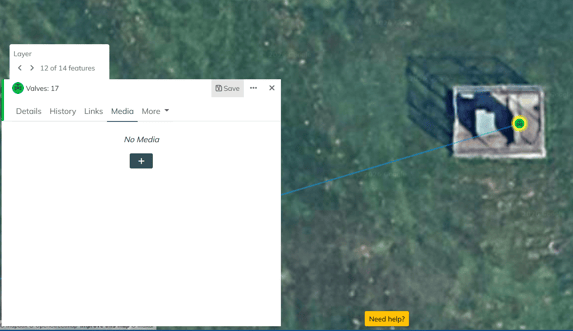
Select the feature you would like to attach media files to and select the media tab. Select the Plus sign
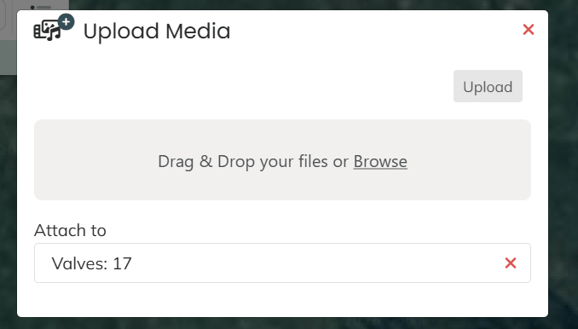
Drag and Drop your files or click on the window to browse your files.
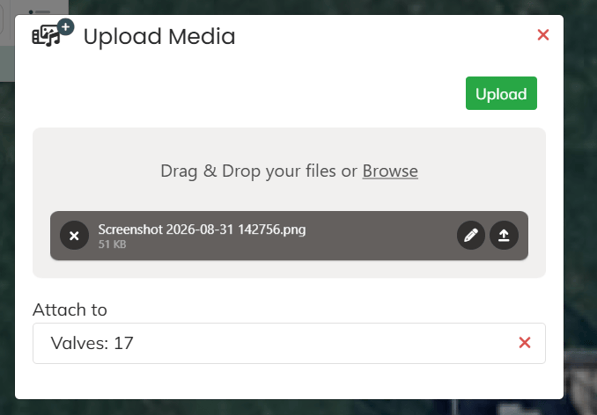
Once file is attached, click the green upload button
Once Uploaded, you will be able to view attached media files under the media tab
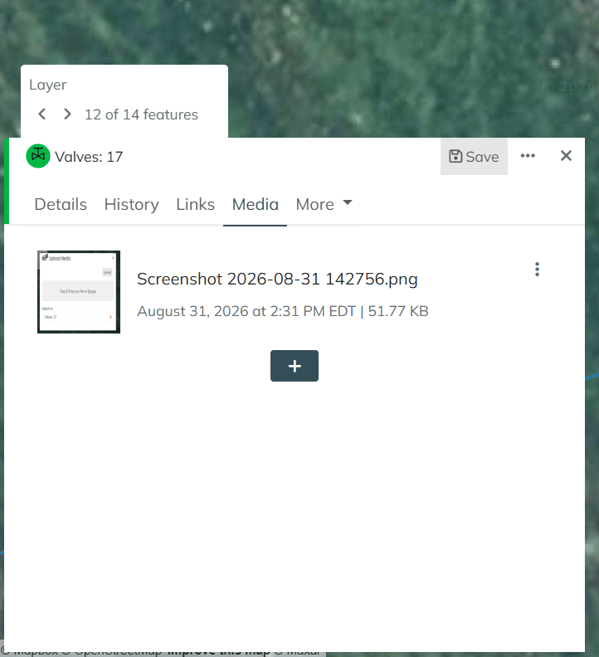
You can edit the name of the file and annotate on the file by selecting the three dots.